ShowUp™ Digital Badge
A modern approach to event access & distribution, management, and branding.

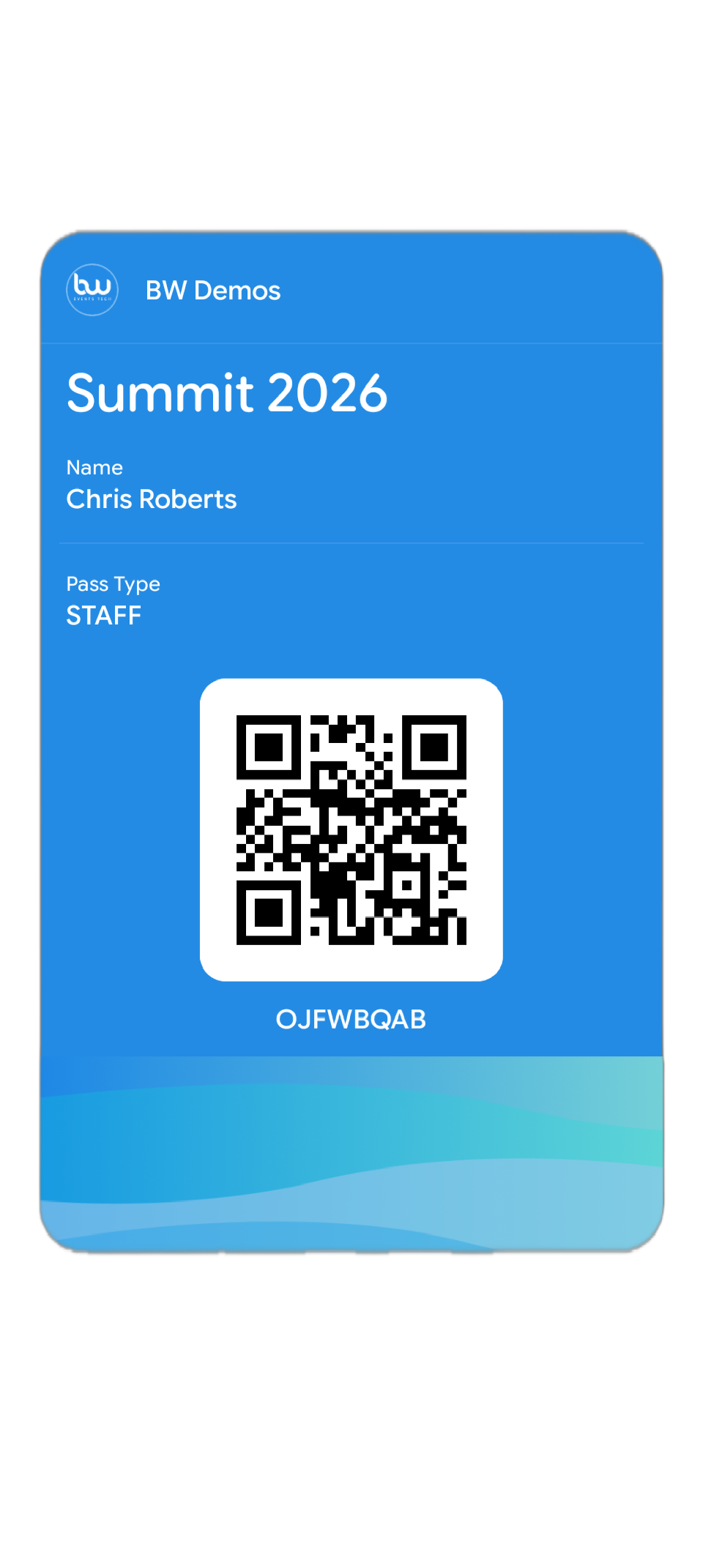
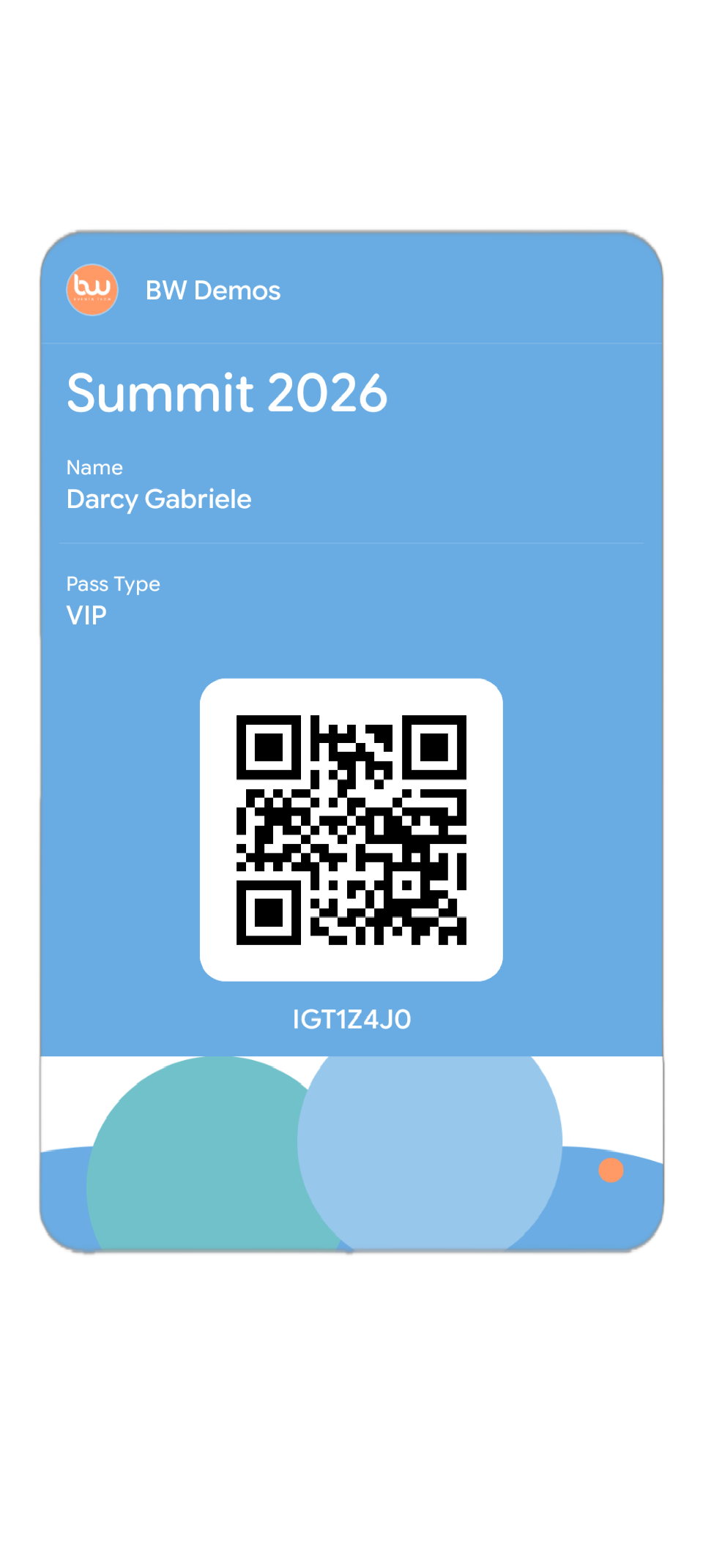
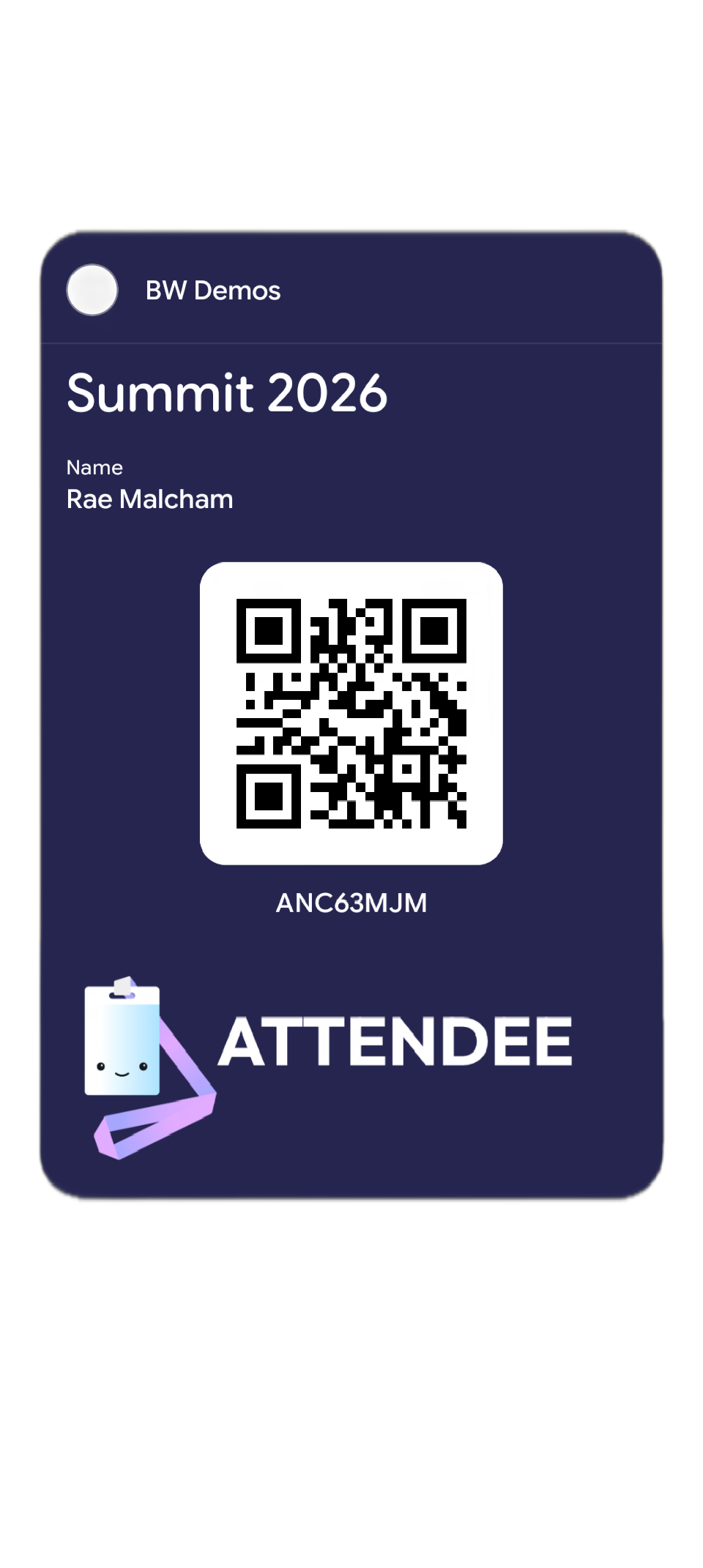
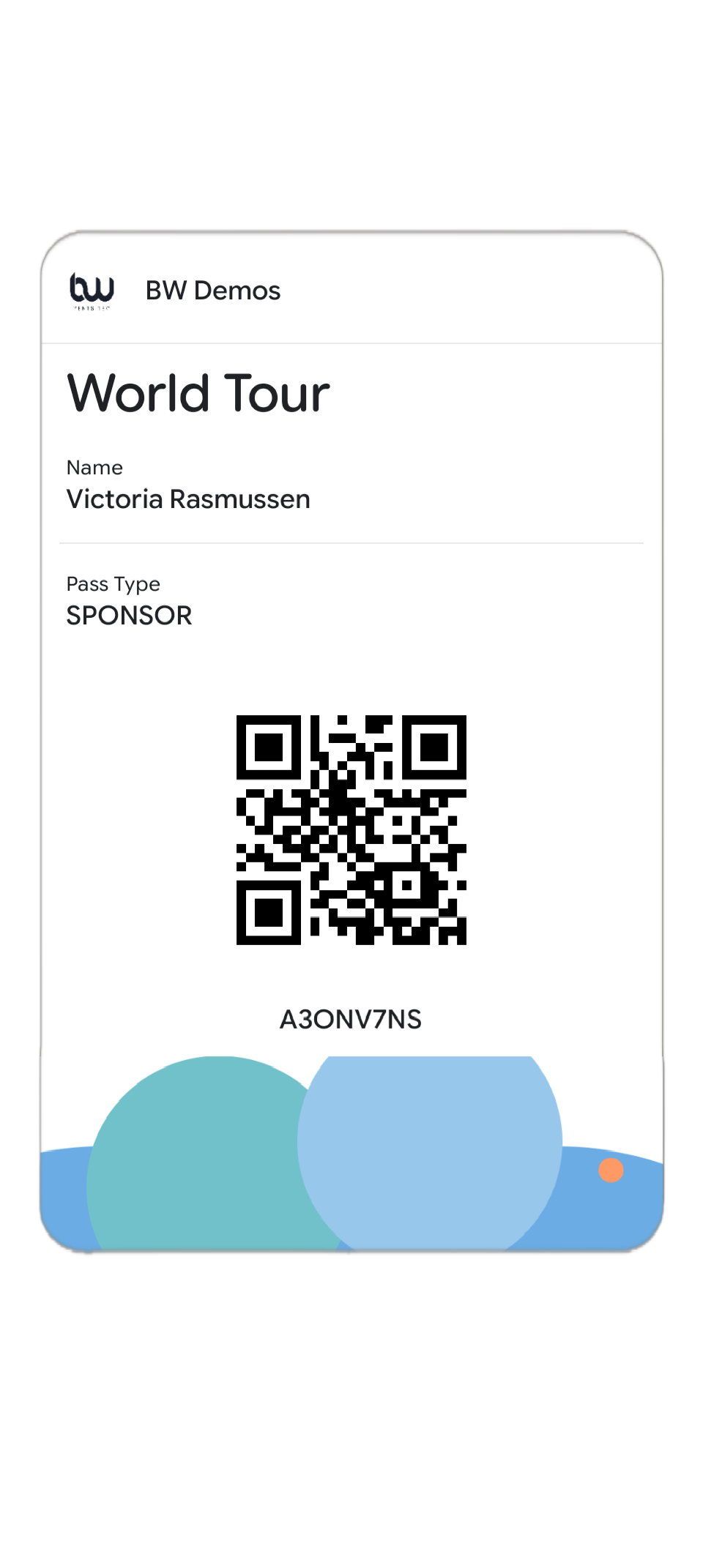
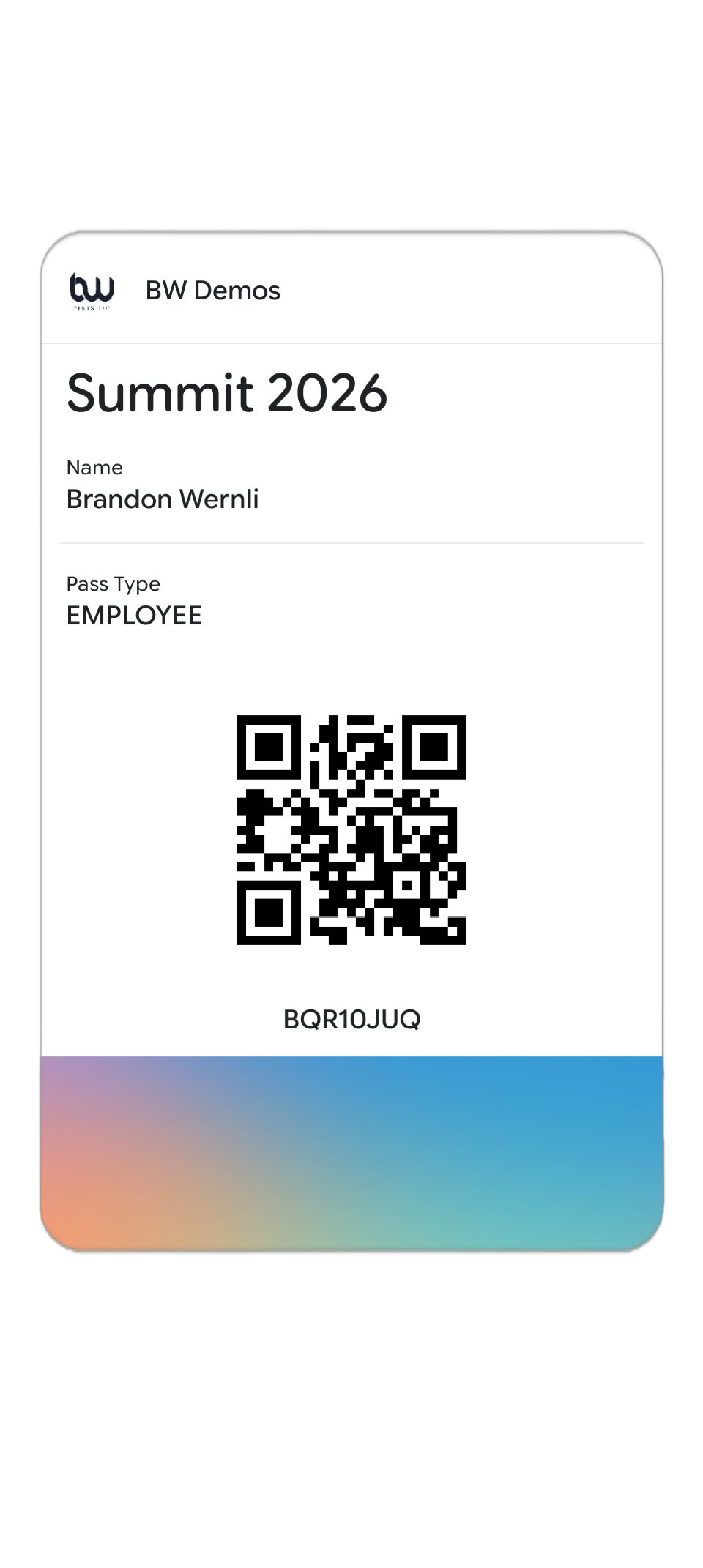
A modern approach to event access & distribution, management, and branding.
ShowUp™ Digital Badge is for event organizers who need fast, polished, stress-free access management — built into a platform agnostic solution.
Email confirmations go missing or are hard to access, last-minute guest list changes create chaos, and long lines are never good.
Reduce manual check-in work with a wallet pass that's built with your needs in mind.
Sometimes you just don't need badges, but need data. Other times you have badges, but don't want QR codes.
ShowUp™ Digital Badge closes that gap and offers a way to deeper data without a physical badge.
More than just wallet pass, ShowUp™ Digital Badge is a modern method of event access that allows attendees to engage with your event with familiar and reliable tech.

Send important updates without a mobile app.
Instantly update and brand your digital badging.
Use with any event registration platform.
Immediately push event Wi-Fi to your attendees' phones.
Can I create different digital badge access levels for VIPs, speakers, and general attendees?
⌄
Yes. ShowUp™ Digital Badge supports multiple access tiers, so you can create distinct pass types for VIPs, speakers, staff, general attendees, and more! Each tier can have its own design, label, and access permissions. Your event staff will see the tier clearly when scanning.
Can I customize ShowUp™ Digital Badges with my company or event branding?
⌄
Yes. Each ShowUp™ Digital Badge is a wallet pass can be fully branded with your logo, event name, colors, and any relevant details. Passes look polished and professional straight out of the box — no design experience required. If you're running events for multiple clients or brands, you can create separate branded templates for each.
Do attendees need to download an app for the ShowUp™ Digital Badge to work?
⌄
No. Attendees receive a link via email or SMS and tap once to save their pass to Apple Wallet or Google Wallet — both of which come pre-installed on iPhones and most Android devices. There's nothing extra to download.
Does the ShowUp™ Digital Badge work without Wi-Fi or mobile data?
⌄
Yes. Once downloaded, the digital asses live on the attendee's phone and work completely offline, so there are no issues if the venue has poor connectivity.
How do I revoke or update a digital badge after it's been sent?
⌄
Security is a key feature of ShowUp™. From your dashboard you can revoke, update, or reassign any individual pass at any time. If a pass is revoked, it becomes invalid immediately — it will no longer scan successfully at the door even if the attendee still has it on their phone.
How do I see real-time event check-in numbers?
⌄
Your ShowUp™ dashboard shows a live view of arrivals, including total headcount, per-session attendance, and a breakdown by access tier. You can access this from any device during the event, so you always know exactly who's in the room and who has downloaded the digital badge.
How long does it take to set up ShowUp™ digital badge passes for an event?
⌄
Setting up your ShowUp™ Digital Badges is very straightforward, and in most cases is even easier than designing physical badges. You add your event details, upload your branding, configure your access tiers, and make sure your attendees are in ShowUp. From there, passes can be sent to your entire guest list in bulk with a single action.
How much notice do attendees get when a ShowUp™ Digital Badge is updated?
⌄
If you have push notifications enabled, attendees will receive a lock-screen notification as soon as a pass is updated. This makes it easy to alert people to last-minute changes like room switches or time adjustments without having to send a separate email.
What happens to an existing digital pass if I change the event date or venue?
⌄
Passes update automatically. When you change event details in your dashboard, the update is pushed directly to every attendee's pass on their phone — no resending required, and no action needed from attendees. They'll see the updated details next time they open their wallet.
What is ShowUp™ Digital Badge and how does it work?
⌄
ShowUp™ Digital Badge is a digital wallet pass feature built into the ShowUp platform. It lets event organizers create branded mobile passes, distribute them to attendees via email or SMS, and manage check-in on the day — all from one dashboard. Attendees save their pass to Apple Wallet or Google Wallet with one tap, and your team scans it at the door using any smartphone.
Whether you're building your check-in setup from scratch or ready to upgrade what you've got, we'd love to show you around. Let's chat.
Book a demo


